


Header tags fundamentally shape how users engage with your content and how search engines interpret it. When done right, headers improve readability, strengthen keyword relevance, and guide visitors smoothly toward conversion. When done poorly, they leave both users and search engines confused and frustrated.
In this guide, we’ll walk you through how to optimize header tags (H1–H6) in ways that genuinely support both on-page SEO and user experience, with actionable strategies you can implement today.
What are Header Tags and Why Do They Matter?
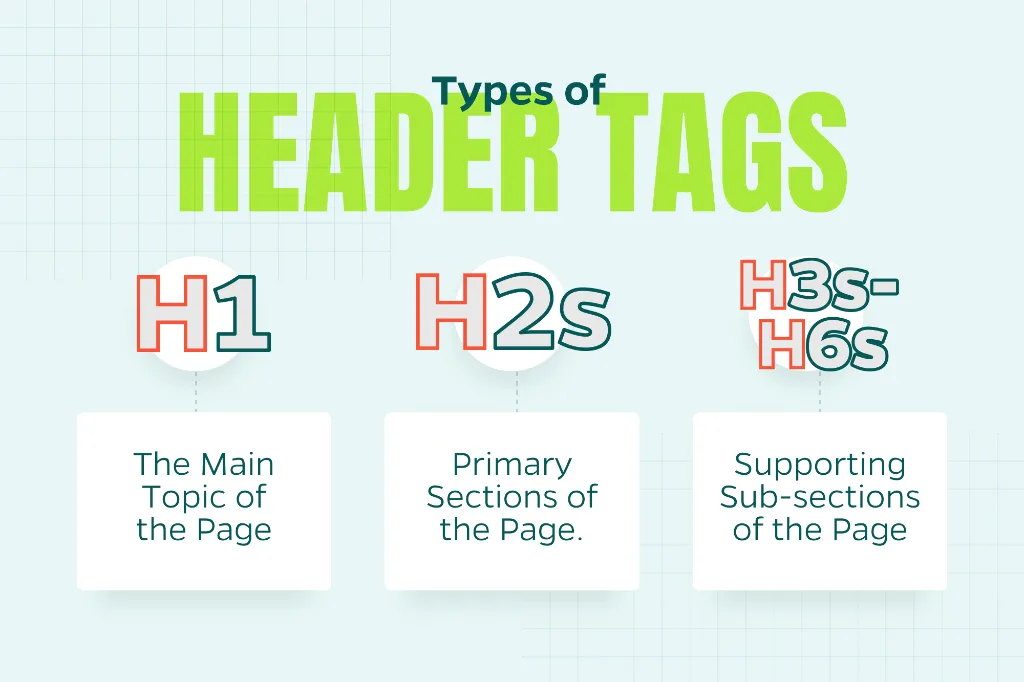
Header tags are HTML elements (H1 through H6) that create a structural hierarchy for your content. Think of them as an outline:
- H1: The main topic of the page
- H2s: Primary sections
- H3s–H6s: Supporting sub-sections
From a user experience perspective, headers make content scannable and digestible. From an SEO angle, they give search engines critical context about your page’s focus and how each section relates to the broader topic.
The magic happens when header tags align with both user intent and search intent—creating a seamless experience that serves readers while signaling relevance to Google.
Best Practices for Optimizing Header Tags
1. Use One Clear, Descriptive H1
Every page should have exactly one H1 tag. This is your headline. It is the anchor that defines what the entire page is about.
For SEO:
- Include your primary keyword or a natural variation
- Keep it readable and conversational
- Match the search intent (informational, transactional, navigational)
For UX:
- Make the value proposition immediately clear
- Skip the clever wordplay—clarity wins
- Aim for under 60 characters when possible
Example:
- Weak: “Welcome to Our Blog”
- Strong: “How to Optimize Header Tags for SEO and UX”
Your H1 should align closely with your title tag, though they don’t need to be identical. The key is consistency in messaging.
2. Structure Content Logically with H2s
H2 tags are the backbone of your page. They divide content into digestible, logical sections that both users and search engines can follow.
Why it matters: Users frequently skim H2s to determine if the content is worth their time. Meanwhile, search engines use H2s to understand the depth and scope of your topic coverage.
Best practices:
- Reflect your main supporting points in each H2
- Incorporate secondary keywords naturally; don’t force them
- Treat H2s as signposts that guide readers through your content
If someone only read your H2s, would they grasp the overall narrative? If not, rework them.
3. Use H3–H6 Tags to Support Structure (Not Create It)
Lower-level headers exist to add granularity within sections. They’re not a replacement for thoughtful organization.
Common use cases:
- Breaking down multi-step processes
- Highlighting specific features, tips, or examples
- Adding clarity to complex ideas within an H2 section
Rules to follow:
- Never skip hierarchy levels (jumping from H2 to H4, for instance)
- Apply them consistently throughout the page
- Only use them when they genuinely improve readability
If a section doesn’t warrant a subheader, resist the urge to add one just for SEO points.
4. Optimize Headers for Scanning
Most people don’t read every word. They scan. Well-crafted headers help users find what they need quickly, understand your page’s structure at a glance, and stay engaged longer.
To boost the ability to scan:
- Keep headers concise and specific
- Avoid turning full paragraphs into headers
- Use consistent phrasing patterns, especially in lists
Clear, scannable headers reduce friction. That can positively impact SEO through better engagement signals like time on page and lower bounce rates.
5. Avoid Over-Optimization and Keyword Stuffing
Yes, header tags are valuable real estate for keywords. But overdoing it damages both user experience and SEO performance.
What to avoid:
- Cramming the same keyword into every header
- Writing headers that sound stiff or robotic
- Sacrificing clarity for keyword placement
Search engines today are sophisticated enough to understand semantic relationships and context. Write for humans first. Optimization will naturally follow.
6. Don’t Use Headers for Styling Alone
This is one of the most common technical missteps we encounter: using header tags simply to make text larger or bolder.
Why this is problematic:
- It disrupts the logical hierarchy of your page
- It confuses screen readers and other assistive technologies
- It sends conflicting signals to search engines
The fix: Use CSS for visual styling. Reserve header tags exclusively for structural meaning. This practice is essential for both accessibility compliance and sustainable SEO performance.
7. Align Headers with Search Intent
Effective headers reflect how real users think and search.
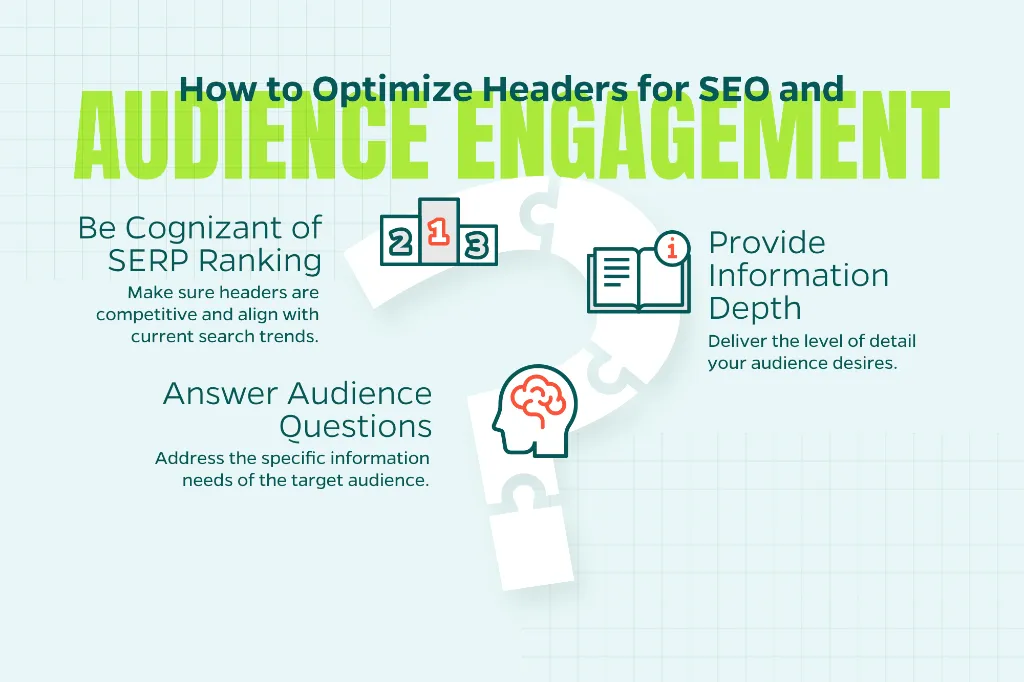
Before you finalize your headers, ask yourself:
- What question is my audience trying to answer?
- What depth of information are they expecting?
- Do my headers align with what’s currently ranking in the SERPs?
When your headers mirror user intent, search engines can more easily recognize your content’s topical relevance and completeness.
Header Tags and Featured Snippets
Strong header structure can significantly boost your odds of capturing AI answers or featured snippets.
Tips to increase your chances:
- Use clear H2s or H3s that introduce definitions, processes, or lists
- Follow them immediately with concise, direct answers
- Maintain clean, consistent formatting throughout
While there’s no guaranteed formula, well-structured headers give your content a competitive edge in search results.
Common Header Tag Mistakes to Avoid
Before hitting publish, watch out for these red flags:
- Multiple H1s on a single page
- Skipping header hierarchy levels
- Using headers as filler rather than structural elements
- Writing vague or generic headers that don’t inform
- Prioritizing keywords over user clarity
A quick header audit can often reveal why a page feels disorganized to users or why it’s underperforming in search.
Reminder: Structure First, SEO Second
Optimizing header tags is about building content that’s intuitive to navigate, easy to understand, and straightforward for search algorithms to interpret.
When you prioritize clear structure, helpful language, and logical hierarchy, you naturally support both SEO and user experience—and that’s the foundation of sustainable, long-term performance.
Need Help Optimizing Your On-Page SEO?
Header tags are just one piece of the on-page SEO puzzle. If you’re looking to improve your website’s search performance and create content that truly resonates with your audience, contact Straight North today to discuss how our digital marketing expertise can help you achieve measurable results.