


When most people think about SEO, they picture keyword research, content optimization, and link building. Those elements absolutely matter, but they only work if your website’s technical foundation is solid. If search engines can’t properly access, understand, or index your content, even the best strategy will struggle to gain traction.
That’s where a technical SEO audit comes in. It’s the process of examining how well your site is built for crawling, indexing, performance, and overall search visibility. Think of it as a comprehensive health check. Just like you wouldn’t expect a car to run smoothly without an occasional tune-up, you shouldn’t expect search performance to improve without regularly assessing your site’s technical health.
This guide will walk you through the major components of a technical SEO audit and how to approach them in a clear, methodical way.
Why Perform a Technical SEO Audit?
Google’s algorithms reward websites that are fast, secure, user-friendly, and logically structured. Even small technical issues can have surprisingly large impacts on visibility and traffic. For example, if a page isn’t crawlable, it may as well not exist. If duplicate content confuses search engines, your strongest pages may underperform. If your site loads slowly, users won’t stick around long enough to convert.
A technical SEO audit helps uncover the hidden issues holding your site back and provides a roadmap for fixing them.
So, clearly a periodic audit is important. Let’s go through how to do one.
Step 1: Determine Crawlability and Indexability
The first question any search engine asks is simple: Can I access this content? You need to make sure they can.
Review Your robots.txt File
Start by checking your robots.txt file, which tells search engines which parts of your site they’re allowed to crawl. Common issues include accidentally blocking important sections or allowing unnecessary directories to be crawled, wasting your crawl budget.
Look for:
- “Disallow” directives blocking key pages
- References to outdated directories
- Missing links to your XML sitemap
A clean robots.txt helps search engines navigate your site without friction.
Analyze Your XML Sitemap
Your sitemap acts like a GPS for search engines, listing important pages you want indexed. Make sure it:
- Includes all relevant URLs
- Excludes duplicate or redirected pages
- Updates automatically when new content is added
- Is submitted in Google Search Console
A well-maintained sitemap improves crawling efficiency and ensures your most valuable pages get visibility.
Check Indexation in Google Search Console
Navigate to the Page Indexing report to see which pages Google has indexed and why other pages are excluded. Some common reasons include “Crawled but not indexed,” which suggests potential quality issues, or “Duplicate without user-selected canonical,” which points to significant duplication problems.
Use this data as a baseline for diagnosing deeper site issues.
Step 2: Evaluate Site Structure and Internal Linking
A website’s architecture influences how search engines interpret your content. Clear structure equals clear signals.
Review URL Structure
URLs should be descriptive, concise, and consistent. Good URLs help both users and crawlers understand a page’s purpose.
Watch for:
- Long, parameter-heavy URLs
- Inconsistent naming conventions
- Mixed use of uppercase and lowercase
Simple, predictable URL patterns are always the goal.
Assess Navigation and Internal Links
Your internal linking structure is key to distributing link equity and helping users find relevant content. During an audit, check whether your most important pages are easy to access, if there are orphan pages with no internal links, whether anchor text is descriptive and relevant, and if breadcrumb navigation is in place.
Internal links also show search engines what content you consider valuable.
Review the Hierarchy of Pages
Your site should have a logical hierarchy that flows from broad topics to more specific subpages. This structure helps search engines understand topical relationships and rank content accordingly.
Step 3: Identify Indexing and Duplicate Content Issues
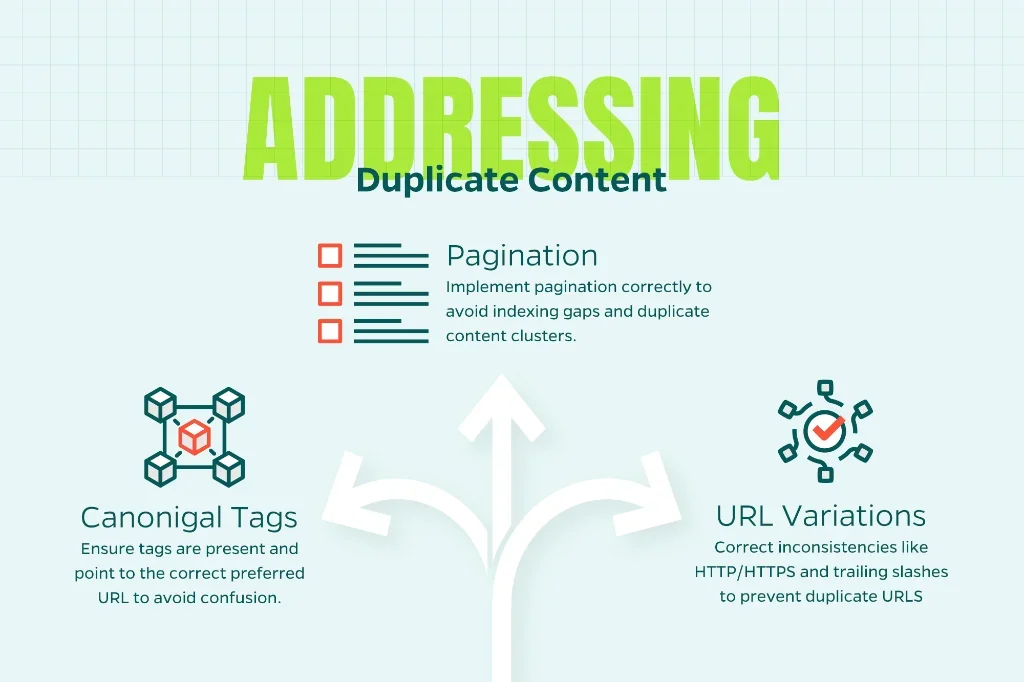
Duplicate content can confuse search engines and dilute your authority. A good audit uncovers the source of duplication and addresses it with proper signals.
Canonical Tags
Canonical tags tell search engines which version of a page is the preferred one. Review whether canonical tags exist where needed, if they point to the correct preferred URL, and whether dynamically generated pages are causing unexpected duplicates.
URL Variations
Common culprits include HTTP vs. HTTPS, WWW vs. non-WWW, trailing slash inconsistencies, and faceted navigation producing massive sets of similar URLs.
These issues can be corrected through redirects, canonical tags, or updated site settings.
Pagination
If your site uses pagination for blogs, products, or category pages, check that it’s implemented correctly. Improper pagination can lead to indexing gaps or duplicate content clusters.
Step 4: Evaluate Site Speed and Core Web Vitals
Site speed is one of the biggest factors influencing user experience and, increasingly, search performance. Google’s Core Web Vitals measure how quickly content loads, how interactive a page feels, and how stable the layout is as it loads.
Use PageSpeed Insights and Search Console
Tools like Google PageSpeed Insights and the Core Web Vitals report in Search Console provide data on Largest Contentful Paint (LCP), Interaction to Next Paint (INP), and Cumulative Layout Shift (CLS).
Identify Common Performance Bottlenecks
Typical issues include render-blocking scripts, large image files, slow server response times, excessive CSS or JavaScript, and inefficient caching.
You don’t always need to be a developer to spot these problems. Many platforms offer plugins or built-in tools that can optimize performance with minimal effort.
Step 5: Check for Mobile-Friendliness
Google crawls and indexes sites using mobile-first indexing. If your site isn’t optimized for mobile users, your search performance will suffer.
Review Mobile UX
Use Google’s mobile usability reports and your own hands-on testing. Confirm that text is easy to read, buttons are easy to tap, pages adapt cleanly to different screen sizes, and mobile navigation is intuitive.
Look for Mobile Performance Issues
Mobile users often have slower connections, making performance optimization even more critical. Slow mobile pages lead to quick bounces.
Step 6: Audit Security and HTTPS Implementation
Security is non-negotiable for both users and search engines. Google expects sites to use HTTPS.
Check for Mixed Content
Mixed-content warnings happen when secure pages load insecure assets. These issues create security vulnerabilities, lead to browser warnings, and hurt user trust.
Address any insecure scripts, images, or stylesheets loaded over HTTP.
Confirm Your Certificate Is Valid
Expired or misconfigured SSL certificates can knock sites out of search results and break user experience. Ensure your certificate is active and properly installed.
Step 7: Review Structured Data
Structured data helps search engines understand your content more clearly and can improve visibility with rich results.
Identify Existing Schema Markup
Check for common types such as Organization, Breadcrumb, FAQ, Product, and Local Business.
Validate with Google’s Rich Results Test
Look for errors and warnings that may prevent your structured data from being used. Proper schema implementation can significantly enhance your search appearance.
Step 8: Analyze Server Logs and Crawl Stats
If you want a deeper technical view, server logs are incredibly helpful. They show exactly how search engine bots crawl your site.
Look for Crawl Inefficiencies
Log data can reveal pages crawled too frequently, high-value pages crawled too rarely, 404 errors crawled repeatedly, and large sets of duplicate pages being indexed unnecessarily.
For many teams, this step is optional, but it’s invaluable for larger or more complex sites.
Step 9: Review 404s, Redirects, and Status Codes
Broken pages and mismanaged redirects disrupt user experience and waste crawl budget.
Identify 404 Errors
404s aren’t inherently bad, but important pages shouldn’t return them. Prioritize fixing broken internal links, incorrectly removed pages, and links from external sites pointing to 404s.
Evaluate Redirect Chains
Redirect chains slow down site speed and complicate crawl paths. Replace long chains with direct, single-step redirects.
Step 10: Compile Your Findings and Prioritize Fixes
A technical SEO audit often uncovers a slew of issues. Not all of them carry the same weight. Group your findings into priority levels:
- High priority: Issues that block crawling or indexing, major speed problems, widespread duplication
- Medium priority: Navigation concerns, smaller performance improvements, UX issues
- Low priority: Minor enhancements, nice-to-have optimizations
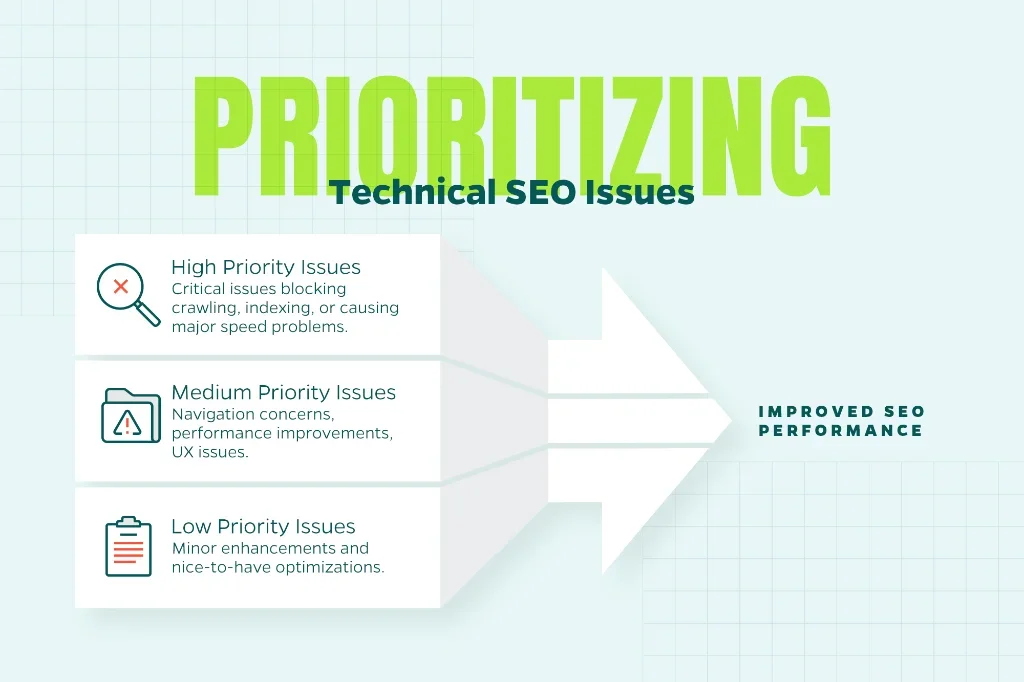
Presenting your findings in a clear, actionable format ensures your development team or stakeholders understand what should be addressed first.
Ready to Strengthen Your Technical SEO?
Performing a technical SEO audit may sound complex, but it’s ultimately a systematic process. Each step helps ensure that your content has the best chance of being discovered, understood, and ranked by search engines. When your website’s technical foundation is strong, every other SEO activity becomes more effective. Remember that technical SEO isn’t a one-time effort. It’s an ongoing practice that pays long-term dividends in visibility, performance, and user experience.
If you need expert guidance to navigate the complexities of technical SEO, Straight North’s team is here to help. We’ve helped countless businesses identify and fix the technical issues holding them back from better search performance. Contact us today to learn how we can support your SEO goals.