


If your LinkedIn strategy consists of posting whenever inspiration strikes, you are leaving engagement on the table. LinkedIn rewards consistency, but consistency is hard to maintain without a plan. A content calendar gives your team a clear roadmap for what to post, when to post it, and why it matters to your audience.
For B2B companies especially, marketing on LinkedIn has become valuable for building brand authority, generating leads, and staying visible to decision makers. But showing up sporadically with a mix of company updates and the occasional industry article will not move the needle. A thoughtful, well-organized content calendar can.
This article will outline how to build a content calendar that delivers real results.
Start with Clear Goals
Before you start, get specific about what you want your LinkedIn presence to accomplish. Are you trying to generate leads, build thought leadership, attract talent, or grow brand awareness among a niche audience? Your goals will shape everything from the topics you cover to the formats you choose.
A company aiming to position its executives as industry experts will create content marketing that leans heavily on thought leadership posts and commentary on industry trends. A company focused on recruiting will prioritize culture-focused content and employee spotlights. Most B2B brands land somewhere in between. In this case, you can balance several goals at once; which is exactly why a calendar is so useful. It allows every goal to get attention instead of one topic dominating your feed for weeks.
Define Your Content Pillars
Content pillars are the core themes your LinkedIn page will consistently return to. Think of them as the categories that anchor your calendar and keep your messaging focused. Common pillars for B2B companies include:
- Industry news and trends, with your company’s perspective added on top
- Educational content that helps your audience solve a problem
- Behind-the-scenes looks at company culture and team members
- Customer success stories and case studies
- Product or service updates and announcements
Aim for four to six pillars total. Once you have your pillars defined, you can rotate through them on your calendar so your audience sees variety without losing your core narrative.
Map Out a Realistic Posting Cadence
For most B2B companies, two to three posts per week is a solid target. This is frequent enough to stay visible in followers’ feeds without requiring a full-time content team. If your resources are limited, two well-crafted posts per week consistently published will outperform a sporadic flurry of ten posts followed by silence.
When building your calendar, block out:
- Which days of the week each pillar will be featured
- Who is responsible for drafting, reviewing, and publishing each post
- A buffer for timely content, like reacting to industry news or company milestones
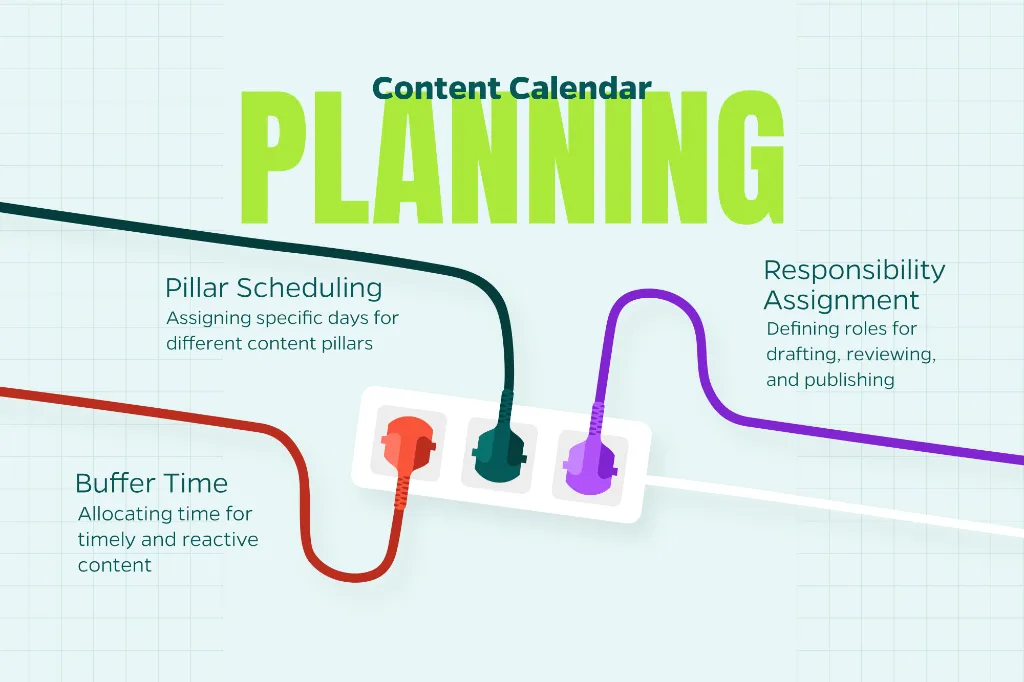
That buffer matters more than people think. The best-performing LinkedIn posts often respond to something happening right now, and a calendar that leaves no room for spontaneity will cause you to miss those moments.
Timing matters too, though not as much as some marketers assume. Posts published on weekday mornings tend to see solid engagement since that is when most professionals are active and catching up before their workday gets busy. Still, the best approach is to test posting times against your own audience’s habits rather than copying a generic recommendation, since engagement patterns can vary quite a bit by industry and audience location.
Mix Up Your Content Formats
LinkedIn’s algorithm responds well to variety. If every post in your calendar is a text update with a stock photo, you are missing opportunities to capture attention in different ways. Consider rotating through formats such as:
- Native video, which tends to get strong organic reach
- Carousel posts (PDF documents) that break down a process or framework step by step
- Polls to spark quick engagement and gather audience insight
- Text-only posts with a strong hook, which often perform better than people expect
- Employee-generated content shared from personal profiles, then amplified by the company page
Build the Calendar Itself
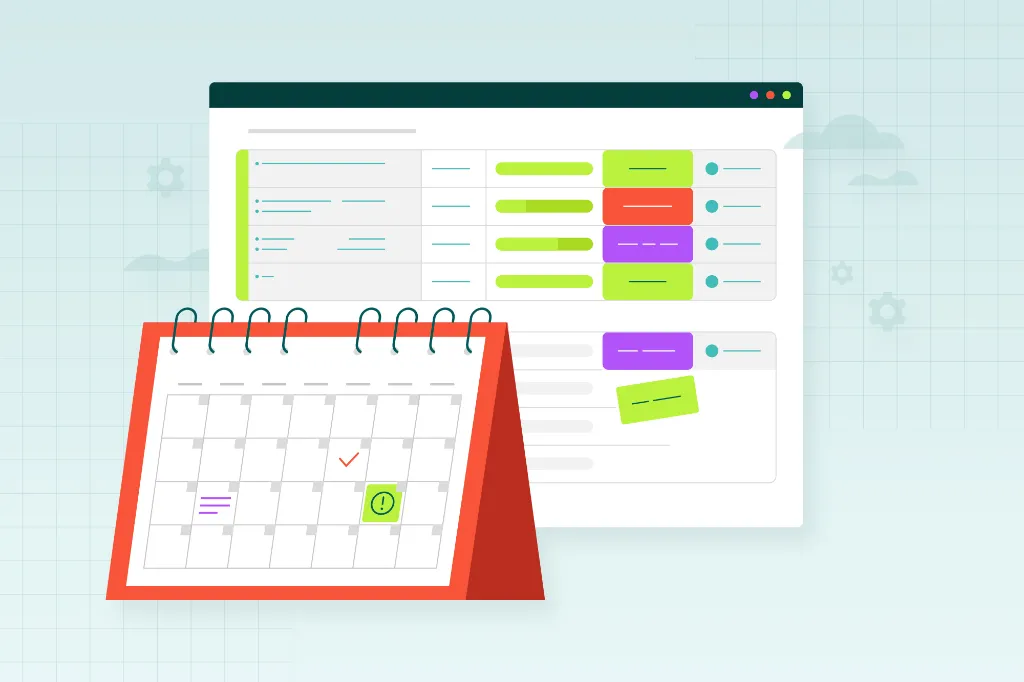
With your goals, pillars, cadence, and formats defined, it is time to put everything into a working document. Many marketing teams use a simple spreadsheet, while others prefer dedicated social media management tools that allow scheduling and approval workflows in one place.
At minimum, your calendar should track:
- Publish date and time
- Content pillar
- Format
- Draft copy or a link to the asset
- Status (in progress, in review, scheduled, published)
- Performance notes after publishing
Plan content at least two to four weeks ahead, but leave room to adjust. LinkedIn moves fast, and a calendar that is too rigid will keep you from capitalizing on timely opportunities or shifting away from a post that is not landing well.
Review Performance and Refine
Each month, take time to look at which posts performed best and worst. Pay attention to engagement rate, not just impressions, since a post with fewer views but strong comments and shares often signals stronger audience connection than one that was simply seen by a lot of people.
Use these insights to adjust your pillars and formats over time. If your audience consistently engages more with employee spotlights than product announcements, lean into that. If video posts are outperforming text, shift more of your calendar toward video. The goal is for your calendar to evolve alongside your audience’s preferences.
Conclusion
A LinkedIn content calendar will not write your posts for you, but it gives your team the structure needed to show up consistently with content that serves a purpose. When your goals, pillars, cadence, and formats are all mapped out in advance, your LinkedIn presence stops feeling like an afterthought and starts working as a real piece of your marketing strategy.
Consistency, variety, and a willingness to adjust based on real performance data are the ingredients that turn a quiet LinkedIn page into one people look forward to seeing in their feed.
Need Help?
Want help building a LinkedIn strategy that fits your business goals? Contact Straight North today to learn how our digital marketing team can support your social media efforts.